
My Working with images in the Volks-Typo theme
While using the Volks-Typo theme I noticed the new component structure, introduced in Zola v0.23.0, also affected the built-in function resize_images use of images.
Two important syntax changes:
- shortcodes use the component syntax
{% component resized_image(...) %} ... {% endcomponent resized_image %} - the markdown syntax changed to
{{< image ... />}}
Working with Images
The Volks-Typo theme ships two shortcodes for resized images. Both take the same sizing options as Zola's built-in resize_image() (width, height, op, format).
A colocated image (a file sitting next to this post's index.md) — pass page so the theme can find it inside the post's bundle:
{{< image path="my-geometric-shapes.webp" page width={100} op="fit_width" alt="Bauhaus geometric shapes" />}}
A static image (anything under static/) — use a leading slash and omit page:
{{< image path="/my-bauhaus-sunset.webp" width={400} op="fit_width" alt="Bauhaus sunset" />}}
Use figure when you want a caption:
{{< image path="my-geometric-shapes.webp" page width={400} op="fit_width" alt="Bauhaus geometric shapes" caption="Colocated image rendered through the figure shortcode." />}}
Figure without caption
{{< image path="my-geometric-shapes.webp" page width={400} op="fit_width" alt="Bauhaus geometric shapes" figure={true} />}}Before / after slider
Drag the round handle to compare two images. Set the opening position with start (a percentage), and label each side with label_before / label_after (the "before" image shows on the left, the "after" image on the right).
Without adjusting the width or aspect-ratio:
{{< before_after page before="before.png" after="after.png" start={80} label_before="Sunset" label_after="Bike" />}}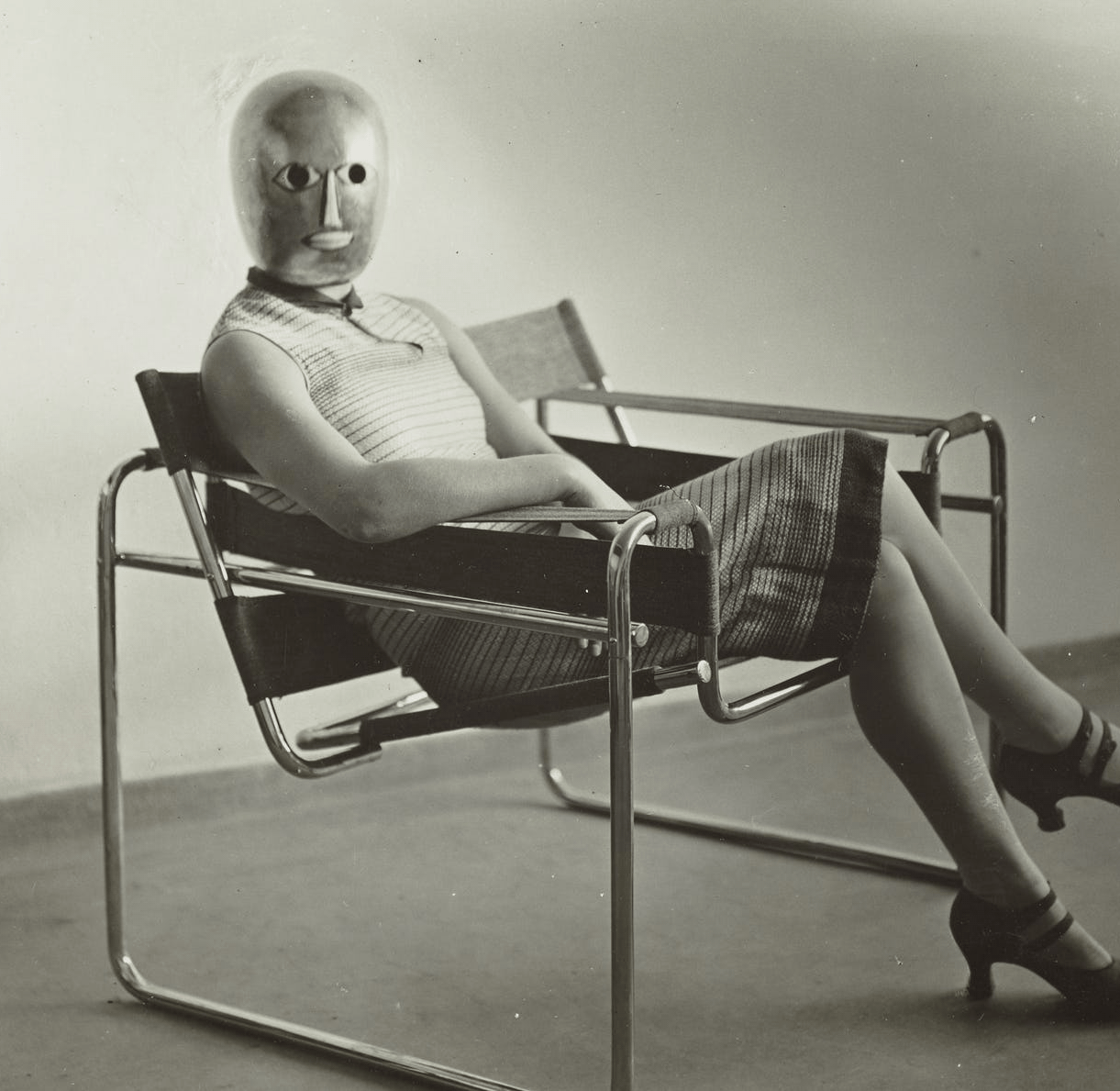 after
after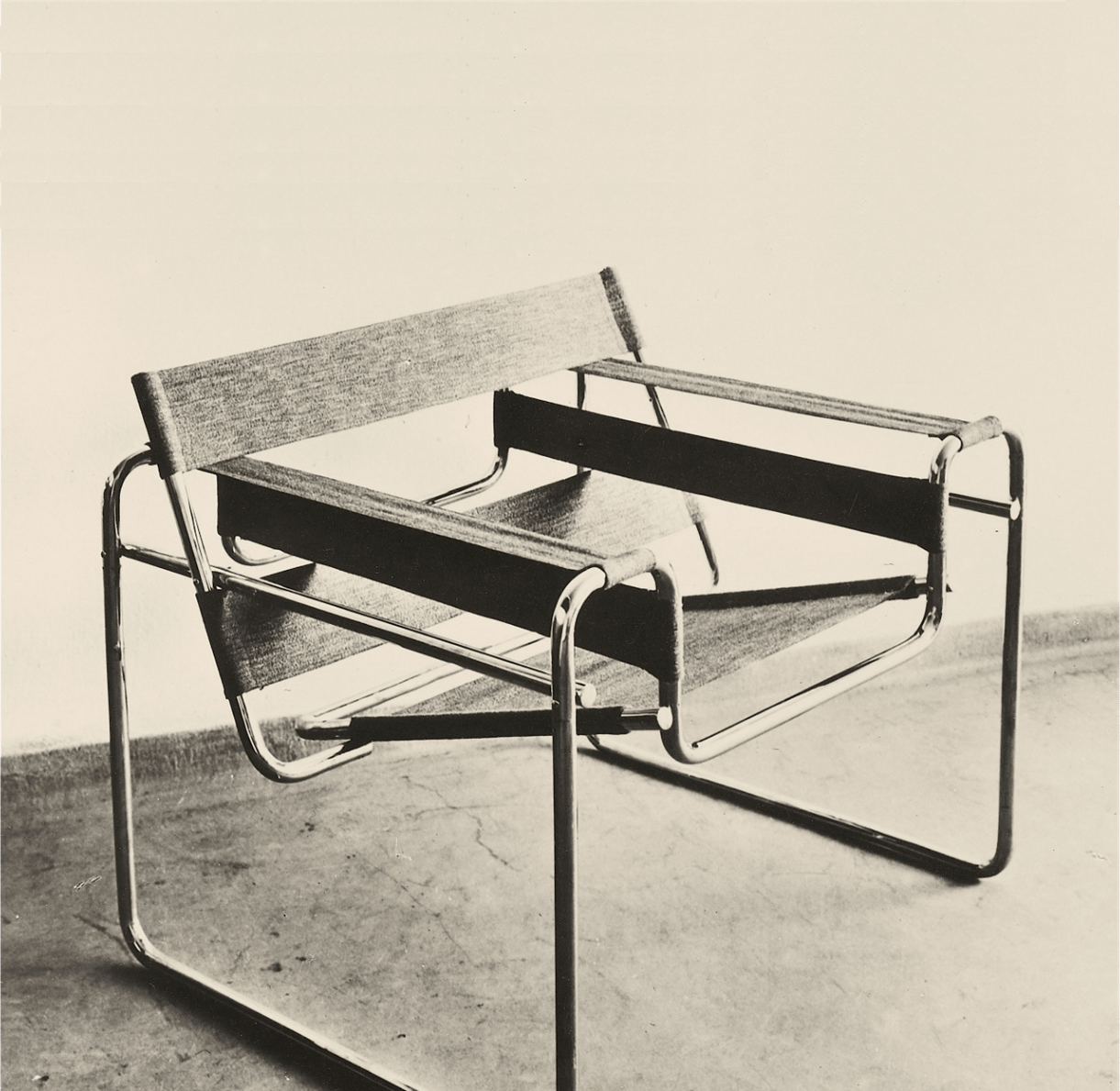 before
Set the width to 400:
{{< before_after page before="before.png" width={400} after="after.png" start={80} label_before="before" label_after="after" />}}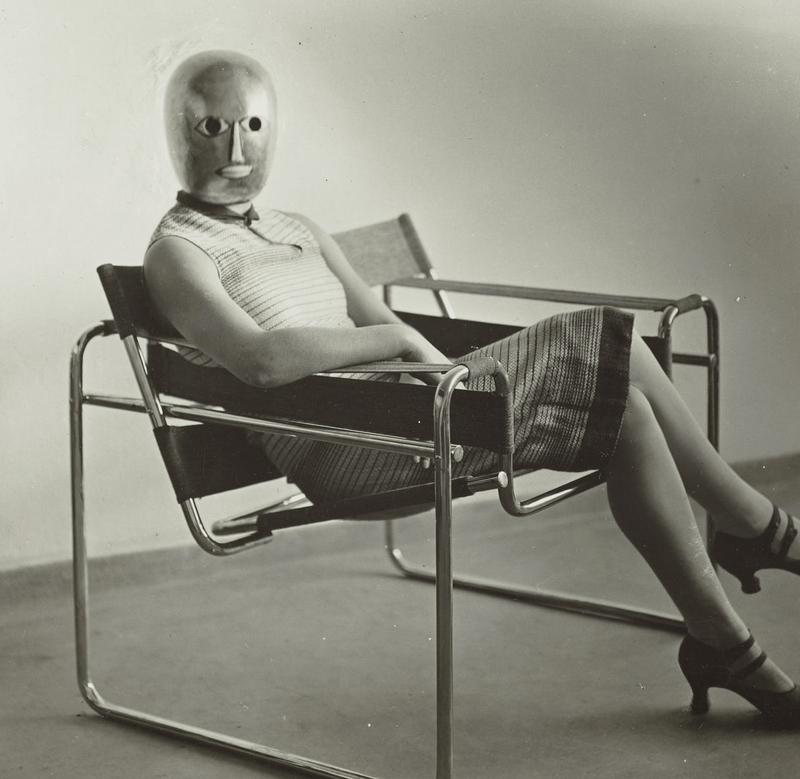 after
after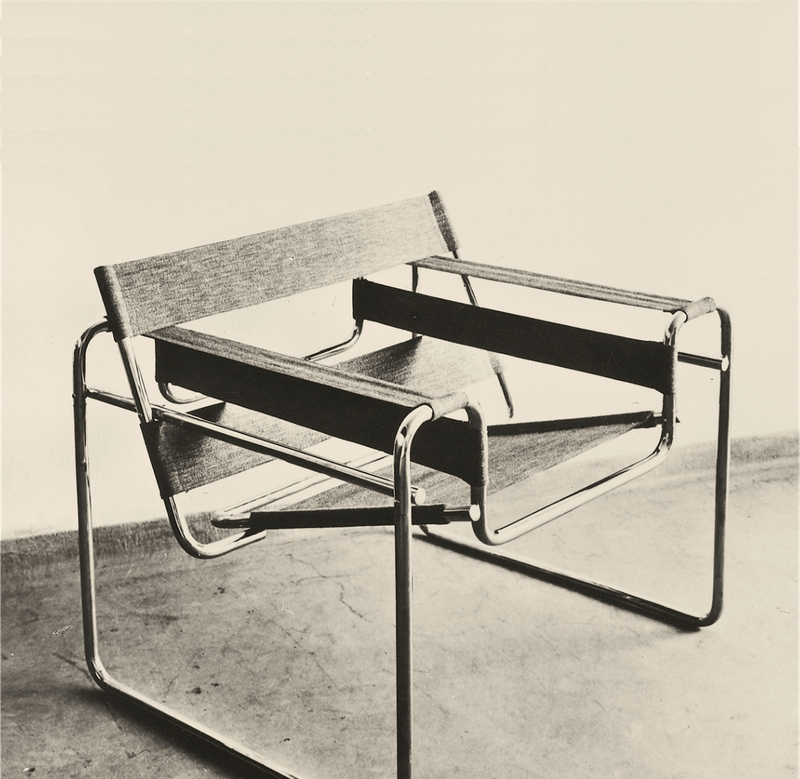 before
Set the aspect ratio to 16/9:
{{< before_after page before="before.png" ratio={"16/9"} after="after.png" start={80} label_before="before" label_after="after" />}}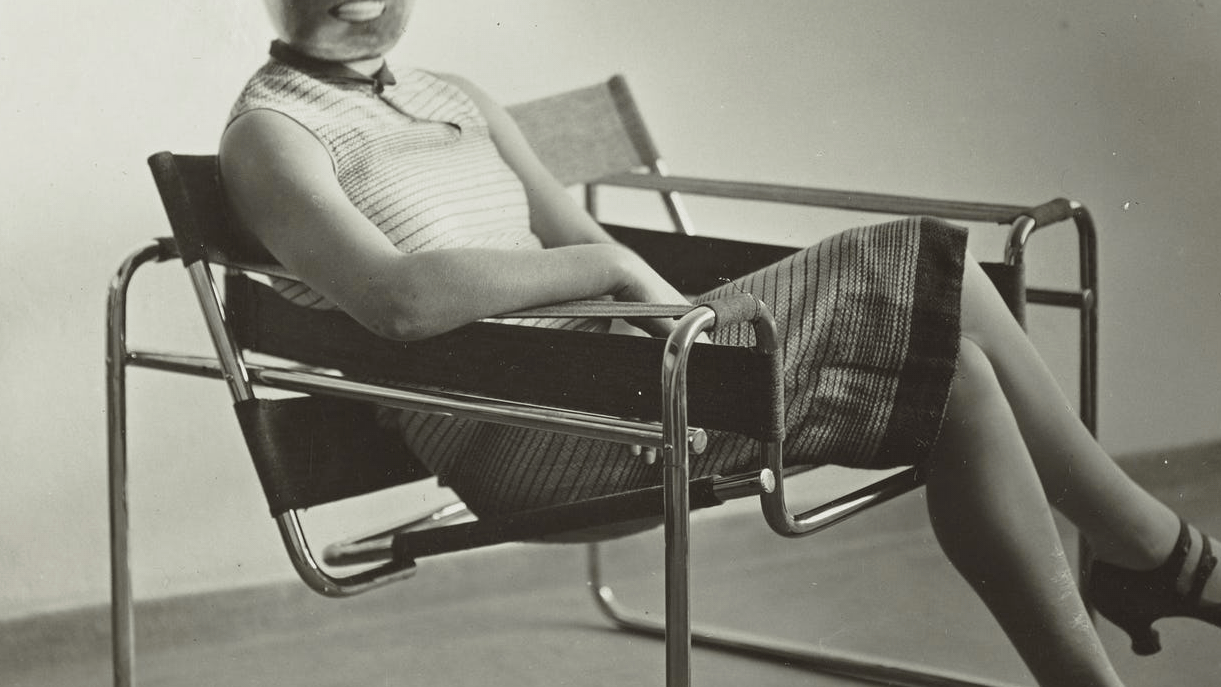 after
after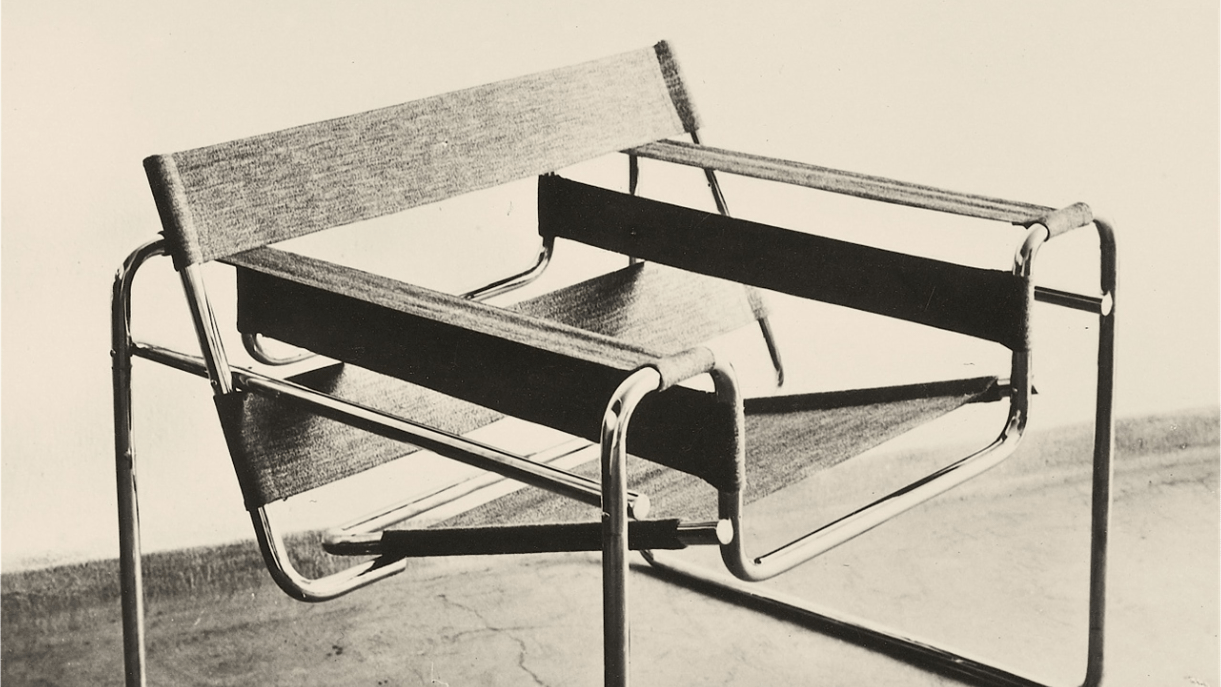 before
Set the widt to 400 and aspect ratio to 16/9:
{{< before_after page before="before.png" width={400} ratio={"16/9"} after="after.png" start={80} label_before="before" label_after="after" />}}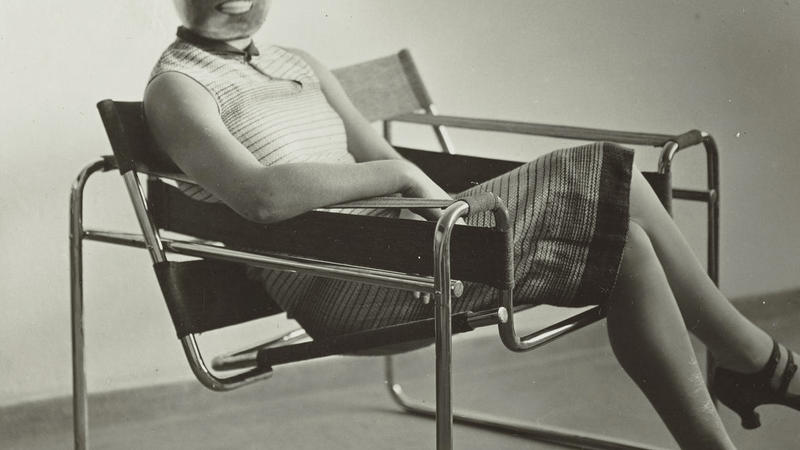 after
after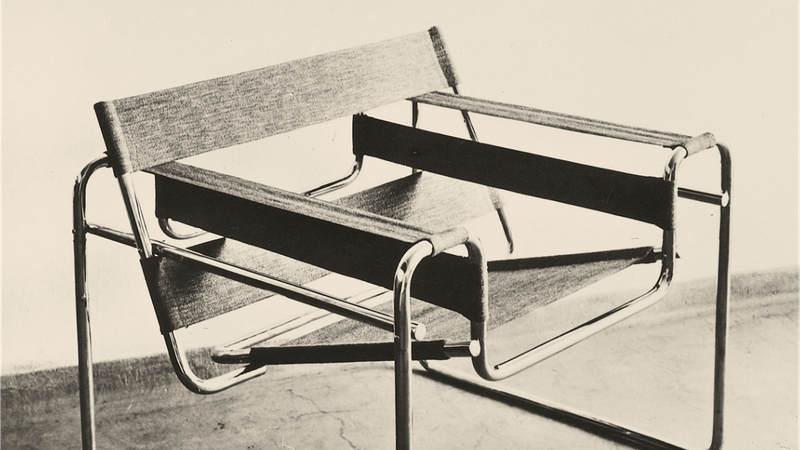 before